✨ On-device Magic Erase
Make the stickers
your chats deserve.
StickFun turns any photo, emoji, or drawing into a polished sticker pack — ready to ship to Telegram and WhatsApp in two taps.
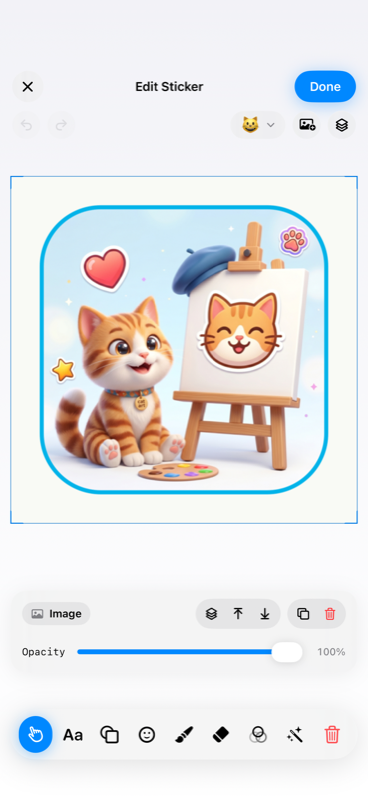
StickFun turns any photo, emoji, or drawing into a polished sticker pack — ready to ship to Telegram and WhatsApp in two taps.
SwiftUI. PencilKit. Vision. Built natively for iOS 18 — so it stays fast, private, and buttery.
Tap a subject, watch it lift with a gorgeous dissolve. Vision-powered, fully on-device.
Stack text, shapes, SF Symbols, emoji, drawings and up to 10 photos per sticker.
Every selected layer gets a handle above the bounding box. No pinch required.
Ship straight to Telegram or WhatsApp sticker packs. Or hand off via the iOS share sheet.
No account. No cloud. Your photos never leave the device.
PencilKit-powered eraser for fine clean-up after Magic Erase does the heavy lifting.
Real screenshots from the real app. Swipe →
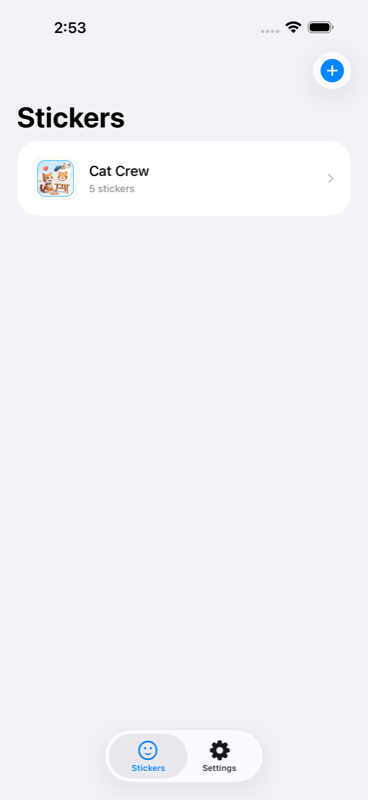
Every pack you built, one tap away.
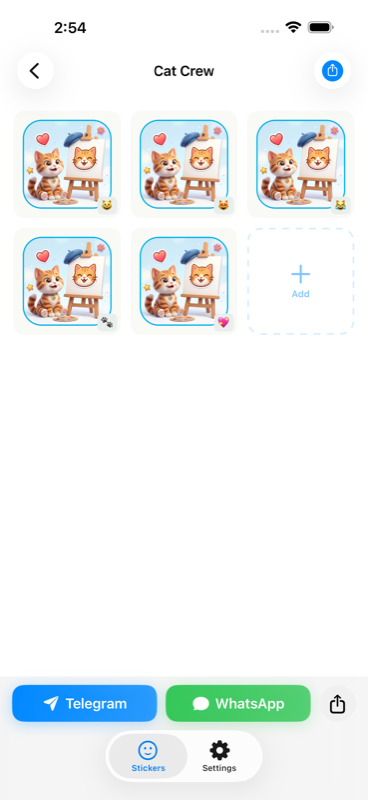
Grid-view for long packs.
Canvas, layers, live tools.
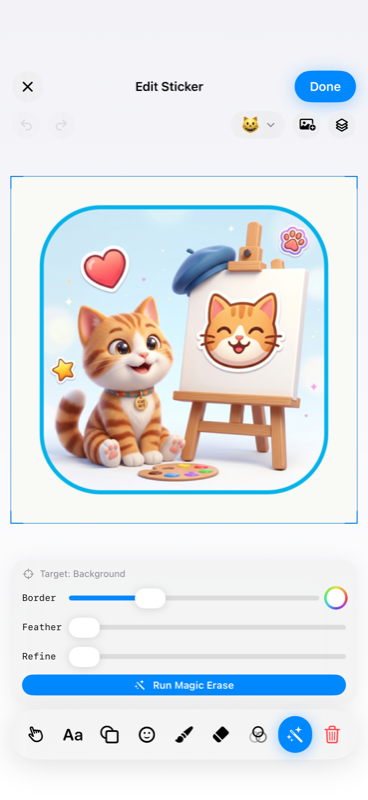
Vision cuts the subject in a second.
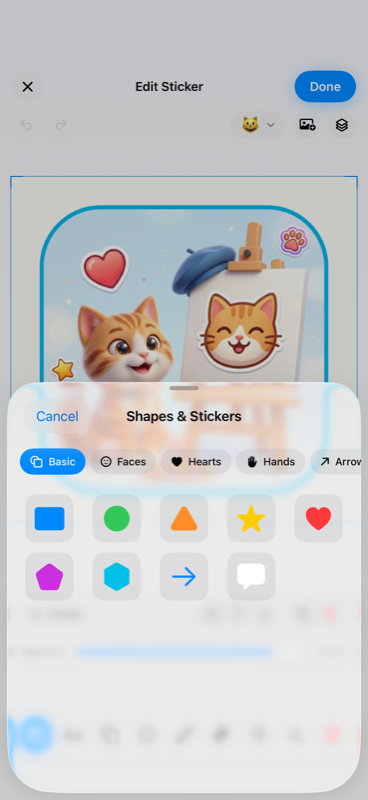
A curated preset library.
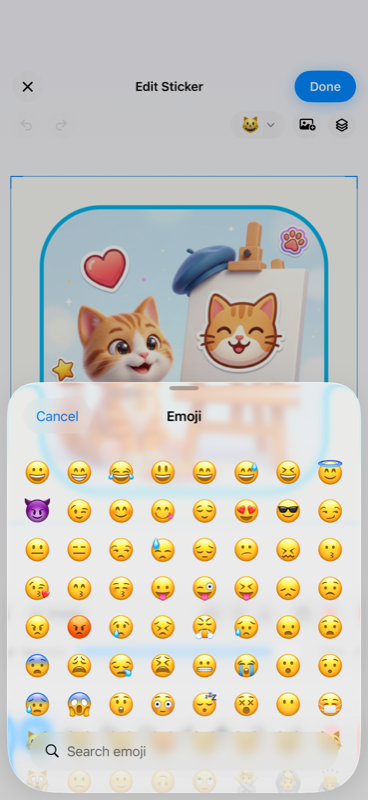
Full emoji set, built in.
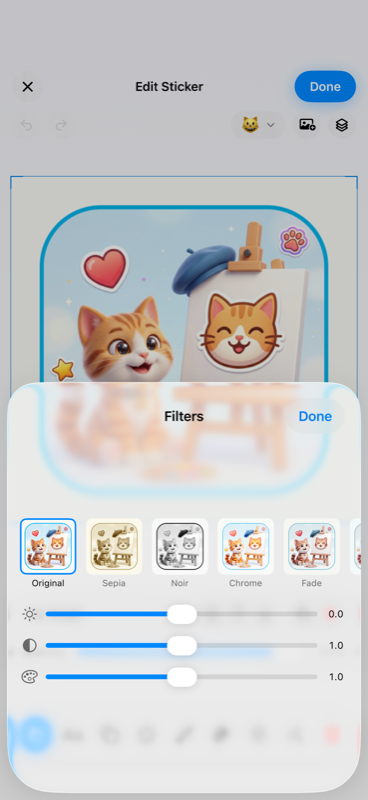
Live preview with intensity.
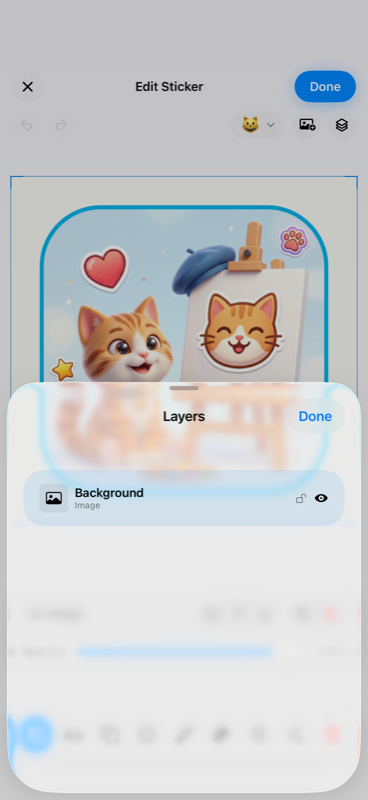
Reorder, lock, hide.
Pro adds the power-user stuff. No watermarks, no trial ads, no dark patterns.
No. Magic Erase, filters, and every edit run locally on your iPhone using Apple's Vision framework. There's no account, no sign-up, and nothing is sent to a server.
Yes. Telegram is free. WhatsApp direct export is part of Pro. You can also hand off stickers to any iOS share target — iMessage, Viber, Mail, Files, whatever.
StickFun requires iOS 18 or later. It's optimized for iPhone and iPad, with dynamic layout, haptics, and Dark Mode.
Open Settings → your Apple ID → Subscriptions and cancel any time. Apple handles billing.
Yes — up to 10. Use the + photo button at the top of the editor. Each photo becomes its own layer with independent position, scale, rotation, and Magic Erase target.
Short version: StickFun does not collect, transmit, or sell your personal data. Everything stays on your iPhone.
What stays on your device — your photos, your drawings, the sticker packs you build, the emoji you assign, every edit you make. The SwiftData database and all cached sticker images live in your app's sandbox and are never uploaded anywhere by StickFun.
What we process through Apple — App Store purchases and subscription status are handled by Apple and by RevenueCat, which we use as a receipt validation layer. We only receive anonymous subscription state (active / not active). No email, name, or identifier tied to you is stored on our side.
What is never collected — we have no analytics SDK, no advertising SDK, no tracking identifier. We do not profile you across apps. We do not share any data with third parties for marketing purposes.
Children — StickFun is not directed at children under 13. If you believe a child has somehow shared data with us, contact support.
Contact — questions about this policy? Email support@v-ig.ru.
Last updated: April 2026.